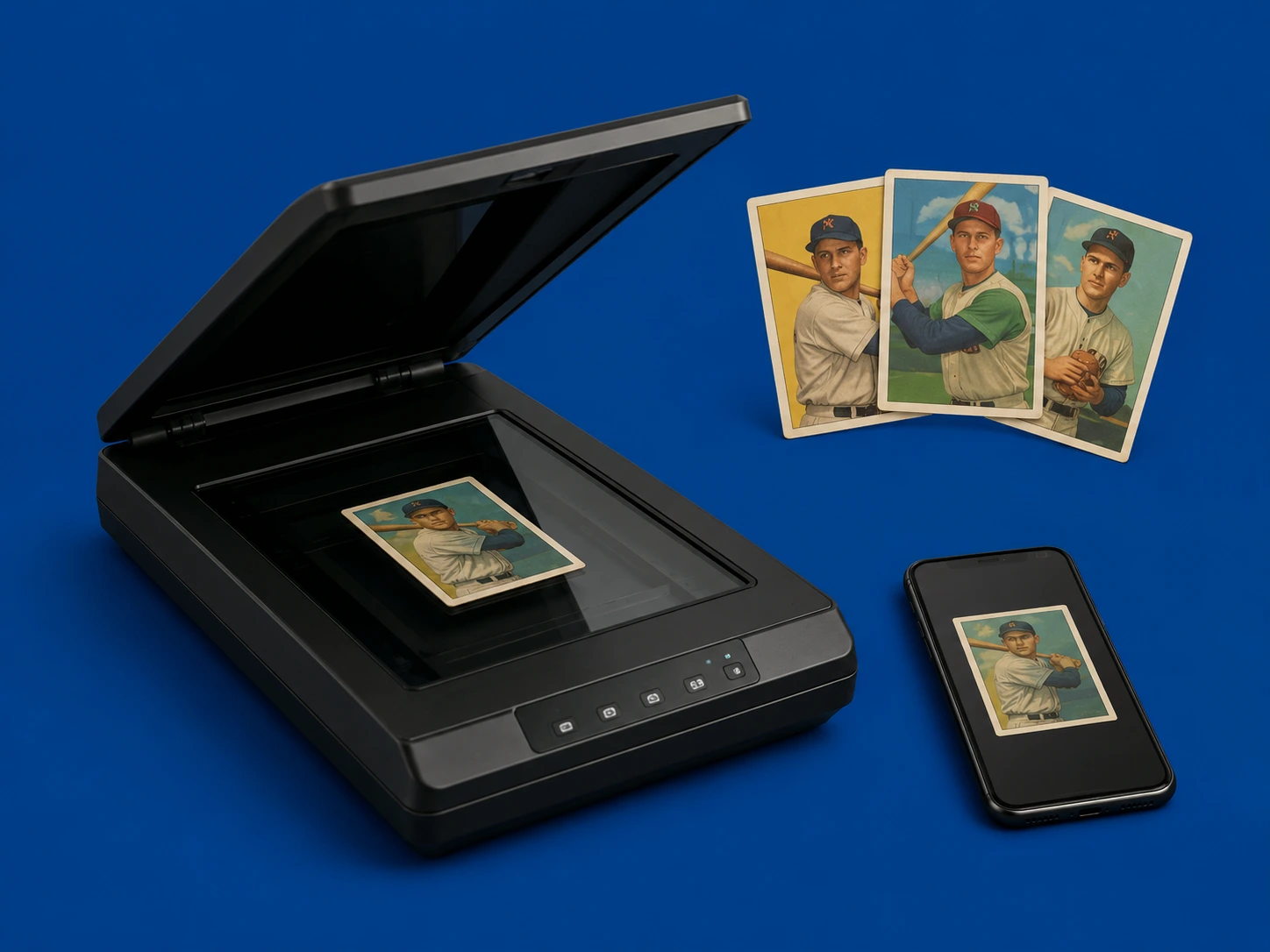
If you’re looking for how to scan sports cards or organize your collection digitally, creating high-quality digital scans is one of the most useful skills you can learn. Whether you are selling cards online, submitting for grading, or simply archiving your collection, digital scans of vintage baseball cards make it easier to store, share, and evaluate your collection. Many collectors still keep their cards in shoeboxes, binders, or storage cases—but digitizing your collection brings major advantages. It allows you to track value, create listings faster, and preserve a visual record of your cards without repeatedly handling them. This guide explains exactly how to digitize trading cards properly, what equipment to use, how to avoid damage, and how to organize your scanned files for long-term use.
Why You Should Digitize Your Sports Card Collection
Before learning the technical steps, it’s important to understand why sports card scanning is so valuable. Digitizing your collection helps you:
- Track what you own
- Identify valuable cards faster
- Create eBay or marketplace listings easily
- Share your collection with buyers or appraisers
- Preserve a permanent digital archive
- Reduce handling of fragile vintage cards
For vintage collectors especially, scanning provides a visual backup of cards that may be decades old and increasingly fragile.
Scanning vs. Photographing Sports Cards
There are two main ways to create digital records of your collection:
1. Flatbed Scanning
- Best for clarity and consistency
- Ideal for front and back images
- Produces high-resolution results
- Great for archival purposes
2. Smartphone Photography
- Faster and more flexible
- Good for bulk scanning
- Easier for on-the-go use (estate sales, shows, etc.)
- Slightly less consistent than scanners
For serious collectors, flatbed scanning is preferred for digital scans of vintage baseball cards, while phone photography is useful for speed and convenience.
Choosing the Right Scanner for Sports Cards
If you decide to scan your cards, choosing the right equipment matters.
Best type of scanner:
Always use a flatbed scanner. Avoid:
- Automatic feed scanners
- Roller-based scanners
- Any system that moves the card mechanically
These can bend or damage cards, especially older vintage issues.
Recommended scanner features:
- High-resolution capability (at least 300–600 DPI)
- Flat glass surface
- Adjustable scanning software
- Ability to scan multiple cards at once
Many collectors use standard home or office flatbed scanners successfully for scanning baseball cards for eBay listings and archives.
Understanding DPI for Sports Card Scanning
DPI (dots per inch) determines the resolution of your scan.
Recommended settings:
- 300 DPI → Standard for most use cases
- 600 DPI → Best for high-value or graded-worthy cards
- 1200 DPI → Archival-level detail (larger file sizes)
For most collectors, 300 DPI is the ideal balance between quality and file size.
Higher DPI is useful when:
- Preparing cards for grading submission
- Documenting rare vintage cards
- Zooming into condition details
Step 1: Prepare Your Cards for Scanning
Before placing any card on a scanner:
- Wash and dry your hands
- Clean scanner glass (dust can show up clearly)
- Use sleeves or top loaders if you are concerned about handling
- Sort cards by type or value
For most sports card scanning guide workflows, it is best to scan high-value cards individually and common cards in batches.
Step 2: Position Cards on the Scanner
Careful placement ensures clean results. Follow these steps:
- Place cards face down on the glass
- Align them evenly with spacing between each card
- Keep edges straight and avoid overlap
- Close the lid gently to avoid movement
You can often scan multiple cards at once, especially for bulk collections, but ensure none of the cards are touching. Proper alignment improves the quality of your digital scans of trading cards and makes cropping easier later.
Step 3: Choose File Format and Settings
After scanning, you will choose how to save your images.
Best formats:
- JPEG → Best for sharing and eBay listings
- PNG → Best for higher-quality archiving
- Avoid TIFF or PDF unless required
File size tips:
- JPEG is faster and easier to manage
- PNG retains more detail but uses more storage
Most collectors use JPEG for scanning baseball cards for eBay sales, and PNG for long-term storage.
Step 4: Organize Your Digital Card Files
One of the biggest advantages of scanning is organization. A strong file system helps you:
- Quickly locate cards
- Track inventory for sales
- Avoid duplicates
- Share collections easily
Suggested folder structure:
- Baseball Cards
- 1950s
- 1960s
- 1970s
- Rookie Cards
- Hall of Famers
Naming convention example:
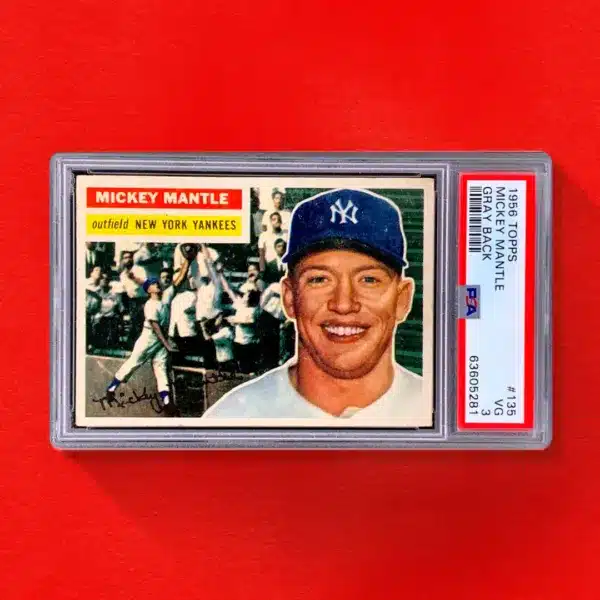
LastName.FirstName.Year.Set.CardNumber.jpg Example: Mantle.Mickey.1952.Topps.311.jpg This method is widely used for sports card collection digital archiving.
Step 5: Using Cloud Storage for Your Scans
Once your scans are complete, store them safely. Best options include:
- Google Drive
- Dropbox
- iCloud
- OneDrive
Cloud storage allows you to:
- Access your collection anywhere
- Share files with buyers or appraisers
- Back up valuable scans safely
For sellers, this is especially useful when sending collections to dealers or auction houses.
Step 6: Smartphone Scanning Method (Alternative Option)
If you don’t have a scanner, you can still create high-quality digital images using your phone.
Best practices:
- Use natural light near a window
- Avoid direct sunlight and flash
- Use a dark or neutral background
- Keep camera steady and centered
- Fill the frame without cropping edges
Smartphone scanning is especially useful for estate sales, card shows, or quick cataloging. While not as precise as a flatbed scanner, it is still effective for how to scan sports cards quickly and efficiently.
Step 7: Which Cards Should You Scan First?
If you are working with a large collection, prioritize:
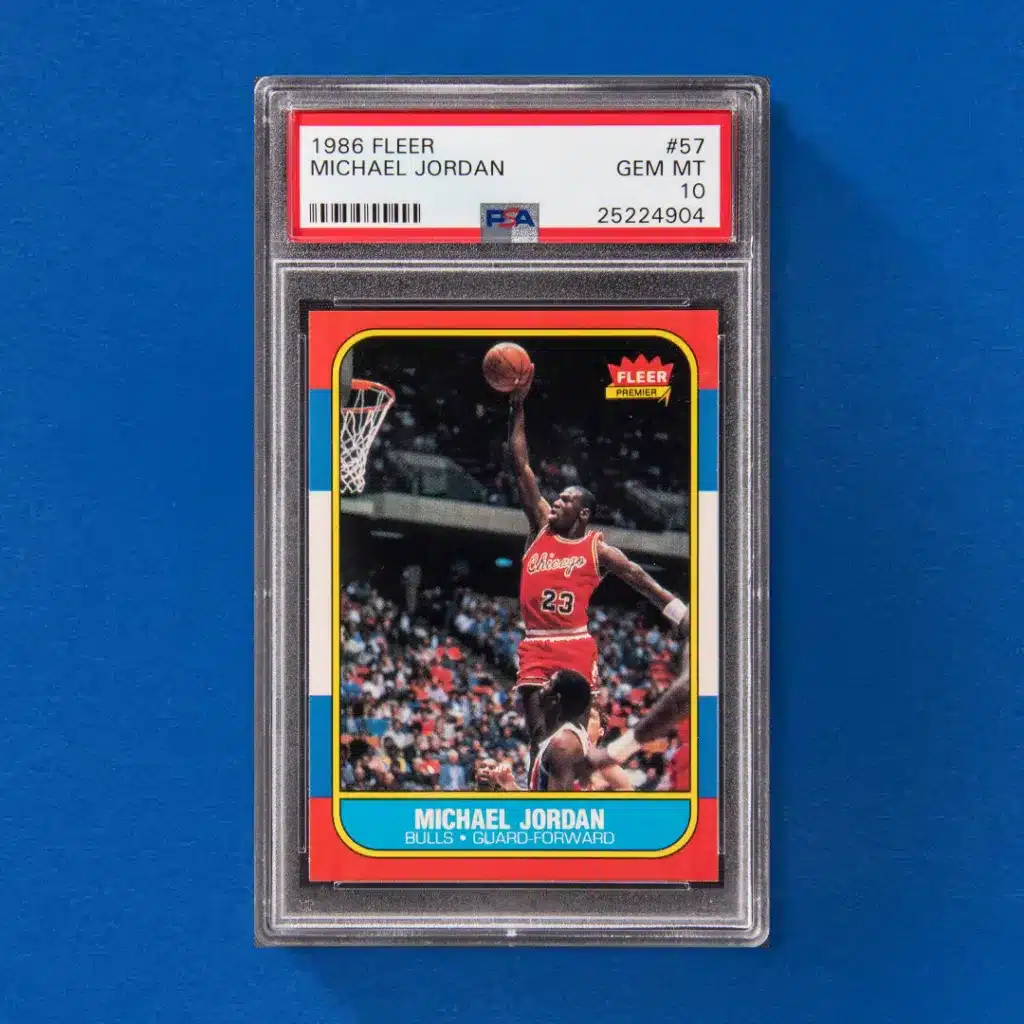
- Rookie cards
- Hall of Famers
- Pre-1970 vintage cards
- High-grade or mint-condition cards
- Rare inserts or short prints
These cards are most likely to have value and benefit from documentation. Common cards can be scanned in bulk or later.
Step 8: Avoid Common Scanning Mistakes
Many collectors make simple mistakes when digitizing collections:
- Using too low DPI (loss of detail)
- Overlapping cards on scanner glass
- Poor lighting when using phone photography
- Not organizing files after scanning
- Ignoring back-of-card images
Avoiding these mistakes ensures your digital sports card archive is useful long-term.
Step 9: Why Digital Scans Improve Selling and Appraisal
High-quality scans make selling easier and more profitable. They help:
- Buyers evaluate condition remotely
- Speed up listing creation
- Improve trust in online sales
- Support professional appraisals
Dealers and collectors often prefer receiving scans before physically inspecting a collection.
Final Thoughts on How to Scan Sports Cards
Learning how to scan sports cards properly is one of the most valuable skills in today’s collecting world. Whether you are selling, organizing, or preserving your collection, digital scans provide clarity, convenience, and long-term protection for your cards. The key takeaways are simple:
- Use a flatbed scanner when possible
- Scan at 300–600 DPI
- Organize files with clear naming systems
- Store scans in cloud backups
- Use smartphone photography as a backup method
By following these steps, you can build a complete digital archive of your vintage baseball cards that is easy to manage, share, and use for selling or grading decisions.